Open Nav


If you have ever sent your Gerber Files to a manufacturer and received a quote that was delayed by days, or worse, a board that was assembled with the wrong components, the culprit was likely your Bill of Materials (BOM). In the world of Electronics Manufacturing, the BOM is not just a list; it is the DNA of your product. A messy BOM leads to procurement errors, assembly line stoppages, and costly re-spins. Therefore, knowing How to Prepare Your BOM for pcb assembly and Manufacturing is the single most effective skill a hardware engineer can master to ensure a smooth production run.
Having managed supply chains for complex Pcba projects, I have seen brilliant designs fail simply because the BOM was ambiguous. In this guide, I will walk you through the industry standards for creating a "clean" BOM that manufacturers love, ensuring your project moves from quote to production without unnecessary friction.
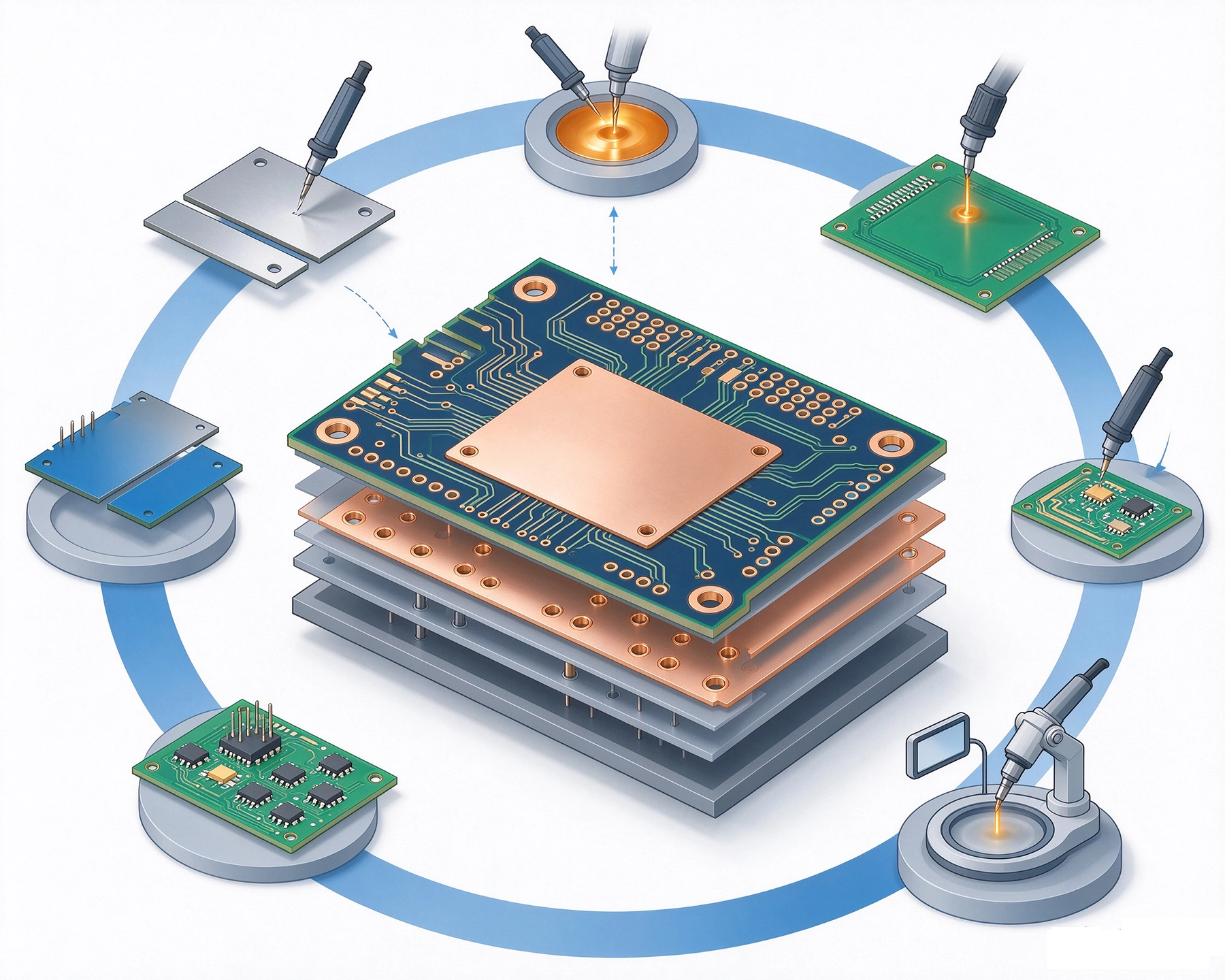
While Gerber Files tell the factory where to put things, the BOM tells them what to put there. The assembly house uses your BOM to source components, program their pick-and-place machines, and configure their Quality Control checks. If the data is missing or vague, the procurement team has to guess, and in Manufacturing, guessing is expensive.
A professional BOM serves as the bridge between your CAD design software (like Altium, KiCad, or Eagle) and the manufacturer's ERP system. A well-prepared list minimizes the "back-and-forth" engineering queries (EQs) that kill project timelines.
A common mistake beginners make is exporting a BOM that only contains the Component Name and Value. This is insufficient for procurement. To understand How to Prepare Your BOM for pcb assembly and Manufacturing correctly, your spreadsheet must include the following specific columns:
This links the component to the specific location on the Pcb (e.g., R1, C4, U12). Ensure these match your centroid file (pick-and-place file) exactly. If your designator says "R1" but the placement file says "R01", the machine will fail.
The total number of each specific component used on the board. Double-check this against your schematic. A discrepancy here often points to a copy-paste error in your schematic design.
This is the most critical column. Never rely solely on a generic description like "10k Resistor." There are thousands of 10k resistors with different tolerances, power ratings, and package sizes. You must provide the specific MPN assigned by the component manufacturer (e.g., CRCW060310K0FKEA for a Vishay resistor). This removes all ambiguity.
Alongside the MPN, list the company that makes the part (e.g., Murata, Texas Instruments, Yageo). This helps the sourcing team verify the authenticity of the part.
Describe the physical size of the component (e.g., 0603, SOT-23, Qfn-48). This is vital for the assembly team to verify that the component fits the footprint on the Pcb. If your BOM says "0805" but your Gerber file has an "0603" pad, this column allows the engineer to catch the mismatch before production starts.
Beyond the basic columns, there are several nuances that separate a junior engineer from a pro. Implementing these tips is a huge part of learning How to Prepare Your BOM for Pcb Assembly and Manufacturing effectively.
The Electronics Supply Chain is volatile. Sometimes, your primary choice for a microcontroller might be out of stock. To prevent delays, include an "Alternate MPN" column. List 2 or 3 verified alternative parts that are form-fit-function compatible. This gives the procurement team the flexibility to buy what is available without calling you for approval.
It is common to design a PCB with options—footprints for components that might not be used in the final version. You must clearly mark these in the BOM. Use a dedicated column for "Assembly Option" and mark these rows as DNP, NC (No Connect), or Do Not Stuff. If you leave this blank, the factory might assume you forgot to add the part number and will pause production to ask.
Consistency is key. Do not mix formats.
Even with a template, errors happen. Here are the most frequent issues I see on the SMT floor:
Sometimes, we forget to update the BOM after the last schematic change, this is a very common mistake. Always do a final cross-reference check between the schematic and the BOM before export.
Your BOM is the instruction manual for building your product. By investing time to create a detailed, accurate, and standardized document, you save countless hours of debugging and communication later. Mastering How to Prepare Your BOM for Pcb Assembly and Manufacturing ensures that your vision is translated into reality exactly as you intended, on time and within budget.
While you can create your BOM in Excel (.xlsx) or Google Sheets, the industry standard for uploading to manufacturing systems is usually CSV (Comma Separated Values) or XLS. Always check your specific assembler's requirements.
No. You generally provide the technical data (MPN, Qty, RefDes). The manufacturer will source the current pricing based on the MPNs and quantities you provide and generate a quote for you.
If you are using a generic component (like a simple test point or a fuse holder), you can describe it in detail. However, for all active components and passives, an MPN is highly recommended to ensure quality and consistency.
Accelerating Time-to-Market with One-Stop PCB Assembly SolutionsJuly/07/2026
The Hidden Costs of DIY Sourcing vs. Turnkey PCBA ServicesJune/08/2026
Scaling from 10 Prototypes to 10,000 Units: A Turnkey PCBA Success StoryJuly/24/2026
Understanding the Basics of SMT PCB Assembly China: A 2026 GuideOctober/13/2026

How Turnkey Providers Streamline Component Procurement and LogisticsJune/18/2026

Risk Mitigation: How Turnkey Services Handle Obsolete ComponentsJuly/16/2026

Why Prototype SMT Assembly China Is Ideal for StartupsOctober/19/2026
Transparent Pricing: Breaking Down the Quote for Turnkey AssemblySeptember/16/2026